December Updates
🎁 Happy Holidays, Improved Mobile Experience, New Icons & Latest Fixes
Happy Holidays from all of us at OneDirectory ✨

As the year comes to a close, we want to say a huge thank you to our incredible employees, customers, and partners. Your support, feedback, and trust made this a truly special year for us.
We’re proud of what we’ve built together, and even more excited about what’s ahead. 🚀
2026 is shaping up to be a big year, with powerful new features and product improvements already on the way.
Wishing you a joyful holiday season and a successful start to the new year.
— The OneDirectory Team 💚
Improved Mobile View 📱
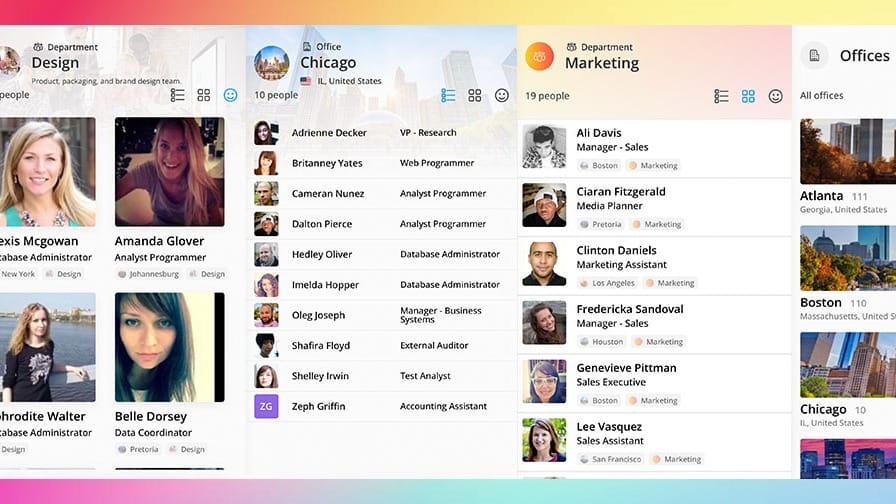
OneDirectory just got a big upgrade for small screens!
We’ve redesigned the mobile web experience to be cleaner, faster, and easier to use, with simpler navigation and improved readability throughout.
Profiles, offices, departments, and search results now adapt smoothly on mobile, making it easy to browse and explore your directory wherever you are.
Just open OneDirectory in your mobile web browser to try it out, and let us know what you think!
Icon Selector Upgrade: 200 New Icons + Smarter Organization 🎨
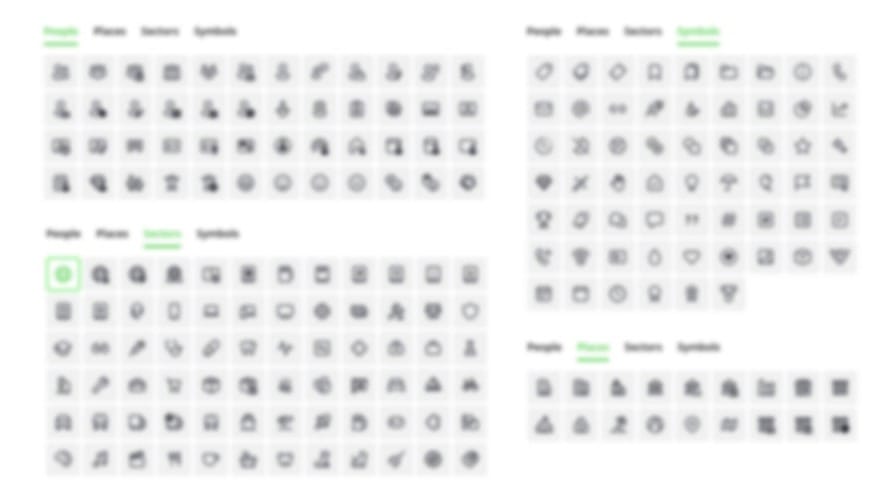
We’ve rolled out two big improvements to the icon selector in field settings:
1️⃣ 200 new hand-picked icons
Use them when creating organizational units, with support for custom fields coming soon.
2️⃣ Faster, smarter browsing
Icons are now grouped into four tabs: People, Places, Sectors, and Symbols, so it’s easier to find exactly what you need.
Once selected, your icon appears everywhere in OneDirectory, profiles, the sidebar, search results, and more. Making your structure clearer and easier to navigate.
Fixes & Improvements 🙌
We wrapped up the year with solid progress on two big initiatives, Custom Fields and a major Microsoft 365 sync upgrade, both coming your way soon.
Alongside the release of profile photo editing, we shipped a number of smaller improvements and bug fixes to make OneDirectory easier to manage. Here are the highlights:
- ✍ Clearer field management: Inactive fields now appear in a separate list at the bottom of Fields & Structure, so it’s easy to see what’s in use.
- 📑 Smarter field naming: Improved automatic pluralization of field names.
- ✨ More visibility in Settings: A new Field Type column shows whether a field is text, dropdown, multi-select, people picker, and more.
- 🎉 Field settings UI polish: Cleaner layout, better spacing, clearer labels, a new DateYear field type, plus several bug fixes.
- 🐛 Admin search fix: Hidden accounts now correctly appear in search results while in edit mode for admins and directory editors.
More big updates are on the way, watch this space! 🚀
Discover More on our Blog:
 Greg Bennett
 Greg Bennett
If you have any feedback or feature suggestions, simply reply to this email.