A live org chart, built into your employee directory
See how your organization fits together. Built from your Microsoft 365 data and updated automatically as people join, move teams and leave. Included with every OneDirectory plan.
Trusted since 2011 by teams worldwide













#1 in usability for mid-market org chart tools on G2
Composite score of 8.84 in G2's Mid-Market Usability Index for Org Chart, Summer 2026, ahead of every other product in the category.







Explore your organization visually
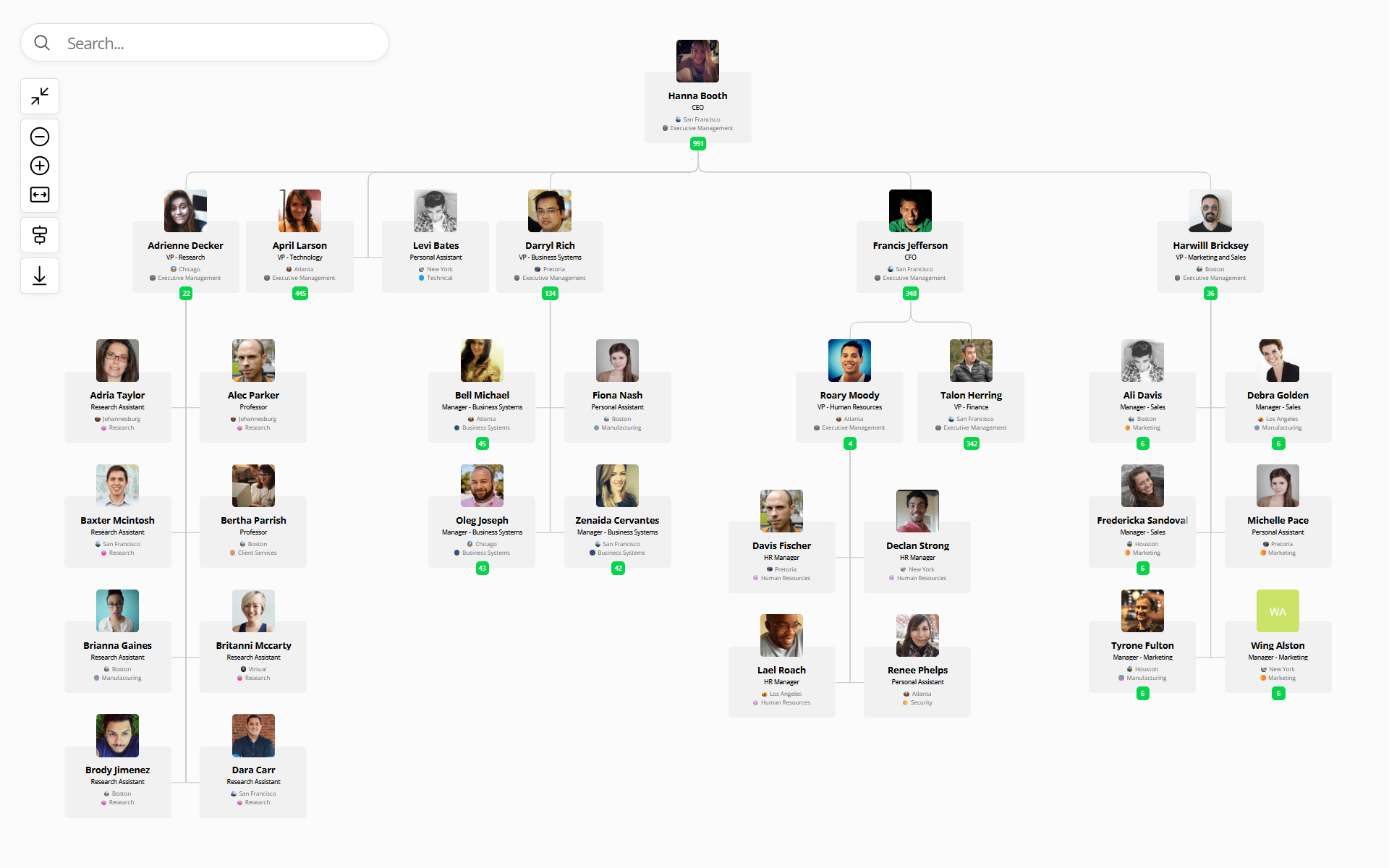
Search any person, follow reporting lines, switch layouts, or export what you need. Built for charts with thousands of people.
Explore your org chart interactively
Start the chart from any person, expand or collapse branches as you go, and zoom, pan, or fit to move around large structures.
Fast org chart search
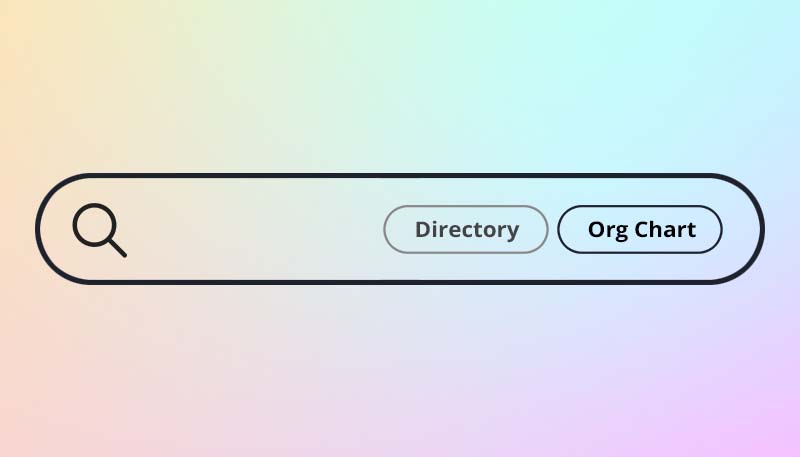
Search the org chart in real time - no page reloads, no waiting. View any profile instantly, or flip to a full directory search in one click.
Multiple layouts
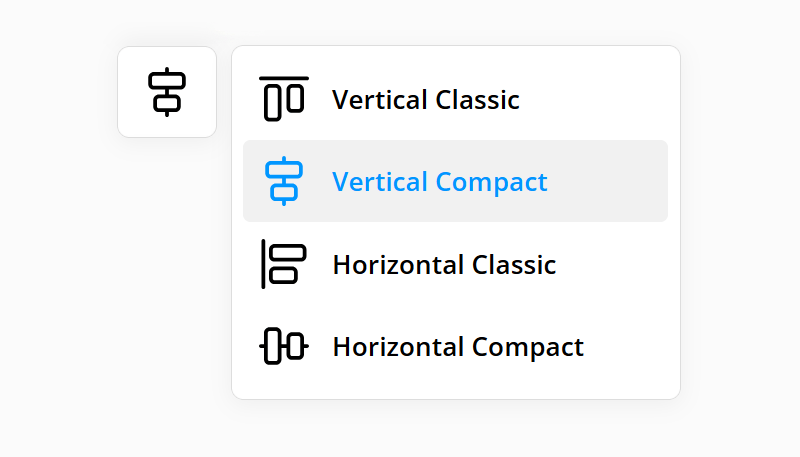
Choose vertical or horizontal layouts in classic or compact styles, designed to fit your team's structure.
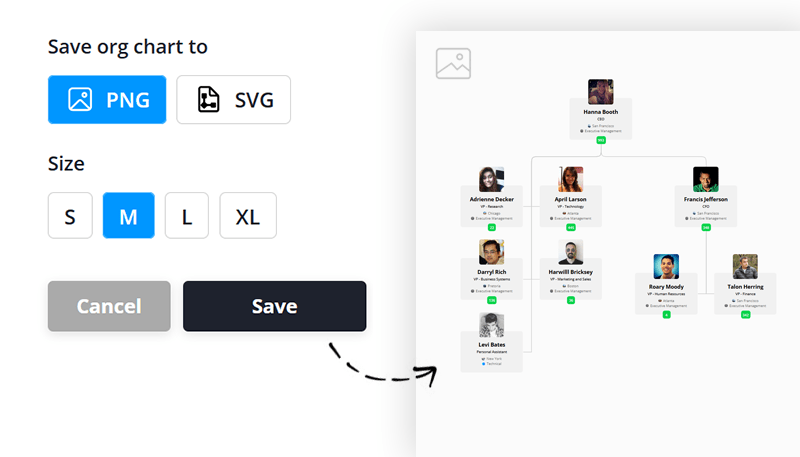
Export your org chart
Download any org chart view as a PNG or SVG, for slides, PDFs, printing, or email.

Jump to the directory
Click anyone in the org chart to see their office, department and colleagues in OneDirectory's employee directory software.
Understand structure and reporting lines
See who reports to whom, how teams are connected, and where each person fits in the organization.
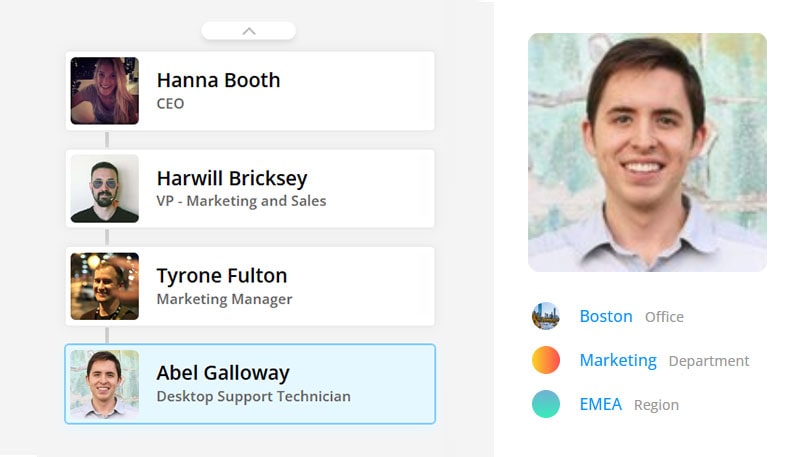
Visualize reporting lines
See anyone's reporting line from their profile, without opening the full org chart.
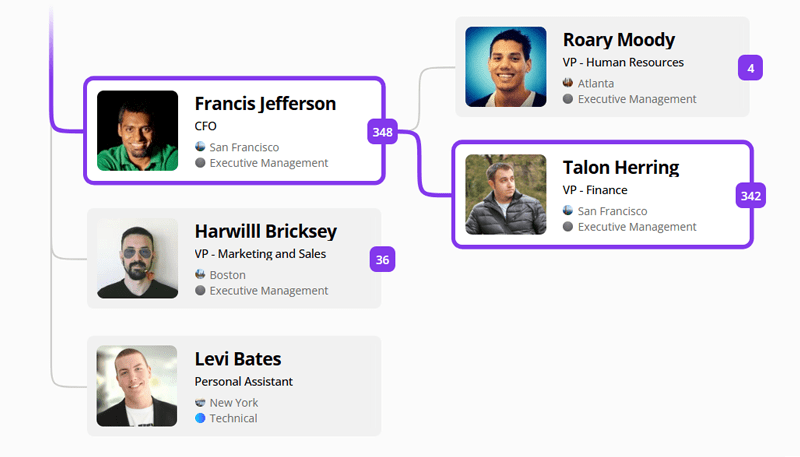
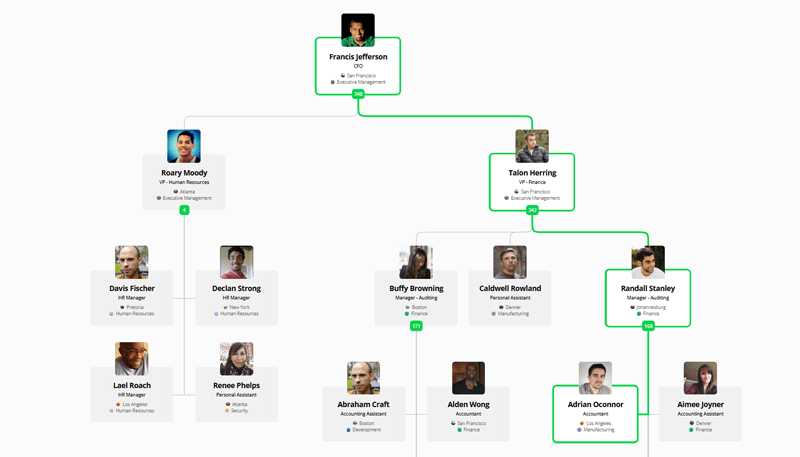
Chain of command
Select any employee to highlight their entire chain of command, from them to the top of the organization.
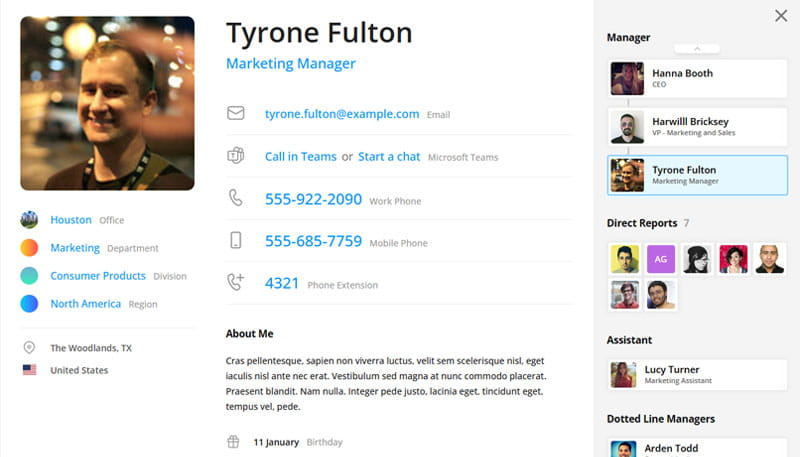
Open profiles from the org chart
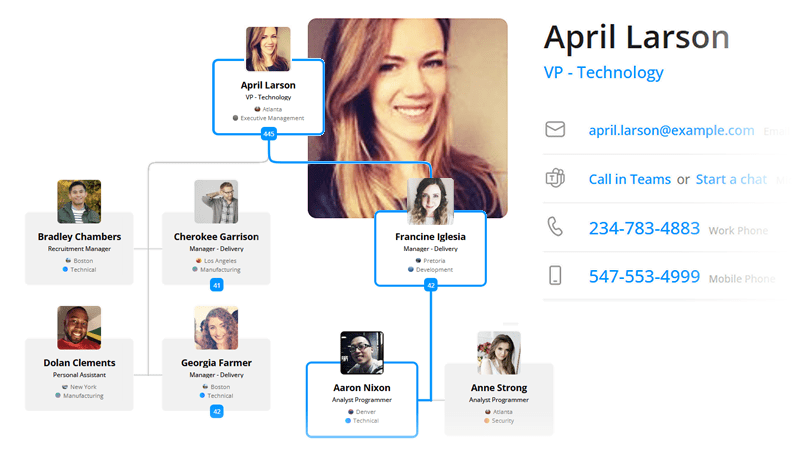
Click anyone to open their full employee profile, with contact details, skills, office, and the dotted-line managers and assistants that Microsoft 365's built-in org chart doesn't show.
Built into your directory
OneDirectory’s org chart runs on the same Microsoft 365 data as your employee directory, so the chart and the directory always match. Update someone’s role or manager once, and it’s right everywhere.

“Before OneDirectory, our company had a couple of people manually updating the organization chart. OneDirectory has saved hours of manual labor!” |
Frequently asked questions
How is OneDirectory different from Microsoft 365's org chart or a static chart?
Static charts in PowerPoint or Visio go out of date as soon as someone changes roles. Microsoft 365's built-in org chart (in Teams, Outlook and Org Explorer) stays current, but it only shows the reporting line and standard profile details from Entra ID. OneDirectory keeps the chart current automatically and adds dotted-line managers and assistants, search across the whole organization, export, and a full employee directory alongside it.
How does OneDirectory keep org charts up to date?
OneDirectory keeps org charts up to date by syncing with Microsoft 365 and Entra ID. As people join, change roles, or move teams, your org chart updates automatically without manual edits or spreadsheet upkeep.
Can OneDirectory show reporting lines, managers, and direct reports?
Yes. OneDirectory helps employees see who reports to whom, understand managers and direct reports, and follow reporting lines across the organization. It also makes it easy to move from a person’s profile into the full org chart view for more context.
Can employees search and navigate the org chart?
Yes. Employees can search the org chart in real time, jump to specific people, and explore the organization visually. They can also switch between profiles and org chart views to better understand roles, teams, and structure.
Can we export org charts for sharing or presentations?
Yes. OneDirectory lets you export org chart views for use in presentations, documents, and internal sharing. That makes it easy to use your org chart outside the product when needed.
Is the org chart part of the employee directory?
Yes. The org chart is built into OneDirectory’s employee directory and runs on the same data, so employees can move between profiles, the directory and the chart without anything going out of sync.
Can OneDirectory handle large org charts?
Yes. OneDirectory is built to make large org charts usable, from companies with thousands of employees to enterprises with tens of thousands of users. Employees can search, zoom, and move through complex reporting structures without relying on static charts, spreadsheets, or manually updated diagrams.