Employee search for Microsoft 365
Help employees find the right people across your company. Search by name, team, office, role, or skill across everyone in your Microsoft 365 tenant, then move into profiles, reporting lines, and company structure without losing context.
Search results organized around your company
OneDirectory makes people search more useful by organizing results around real employee and organizational context.
Find the right colleague faster, then move from people to teams, offices, roles, skills, and reporting lines without losing context.
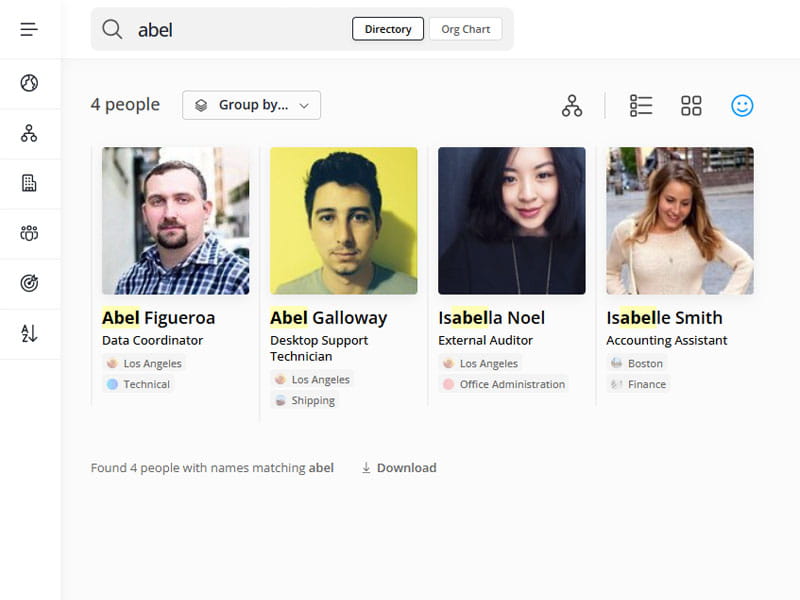
Search across offices, departments, job titles, and skills
Instead of a flat list of loosely matched results, OneDirectory helps employees narrow down faster using the organizational context behind each search.
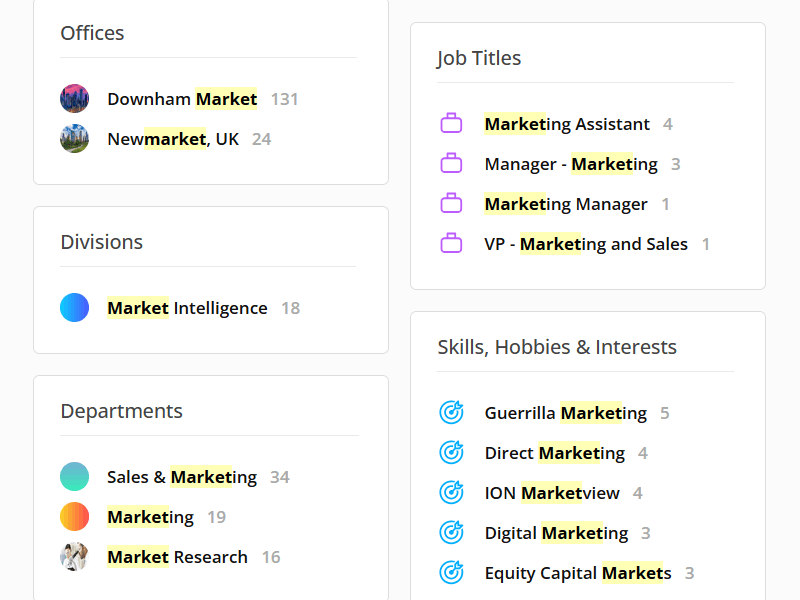
A better way to search your organization
OneDirectory helps employees find the right people faster, explore the organization more naturally, and switch between views without losing context.

No complex search forms required
Most employees should not need query builders, field selection, or advanced filters just to find a coworker. OneDirectory makes directory and org chart search fast and intuitive.
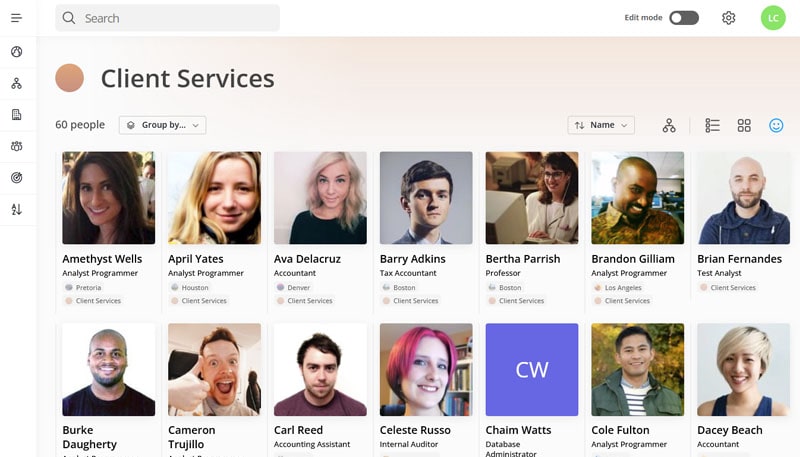
Searchable photo directory with flexible views
Switch between Face, Card, List, and Org Chart views from any search result to match how you work.
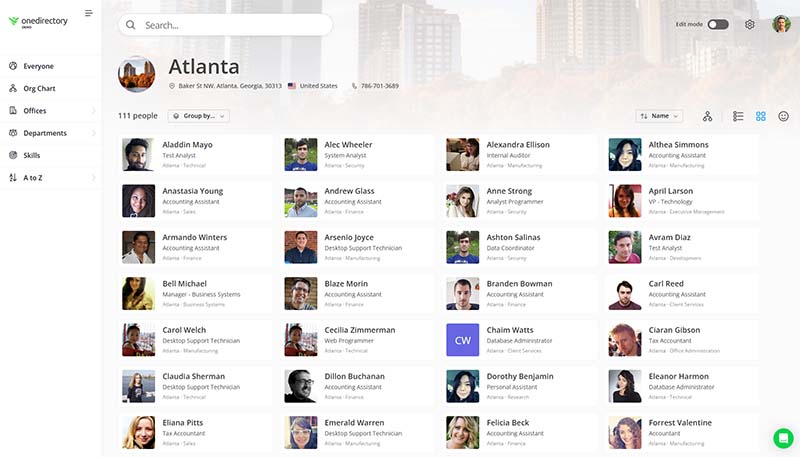
A faster way to explore your organization
Explore people, teams, and offices without losing context. In OneDirectory, everything is clickable and opens instantly, so employees can keep exploring without page reloads or dead ends.

"I love being able to search and sort people in our agency."— Concentric Health Experience |