Employee Directory Software for Education
Built for schools, districts, colleges, and education teams that need a clearer way to find people, understand reporting lines, and connect staff across locations, departments, and support services.
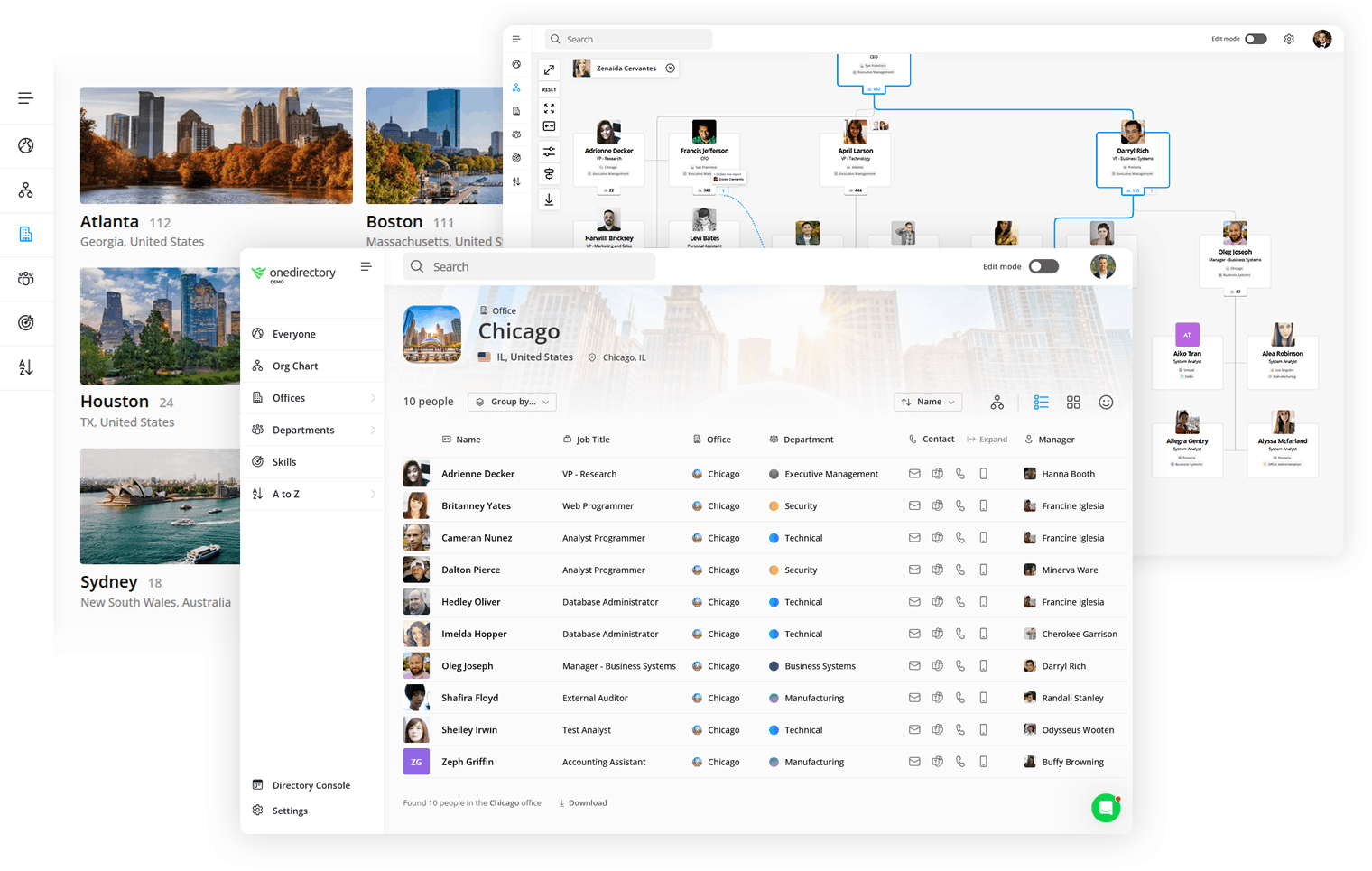

Trusted by education teams
Highly rated employee directory software for ease of use, fast implementation, and ROI.







Help staff find the right person across your school, district, or campus
OneDirectory connects schools, campuses, departments, administrative teams, and support services in one searchable staff directory and org chart. Built for education organizations, it helps staff find people, understand structure, and route questions quickly.
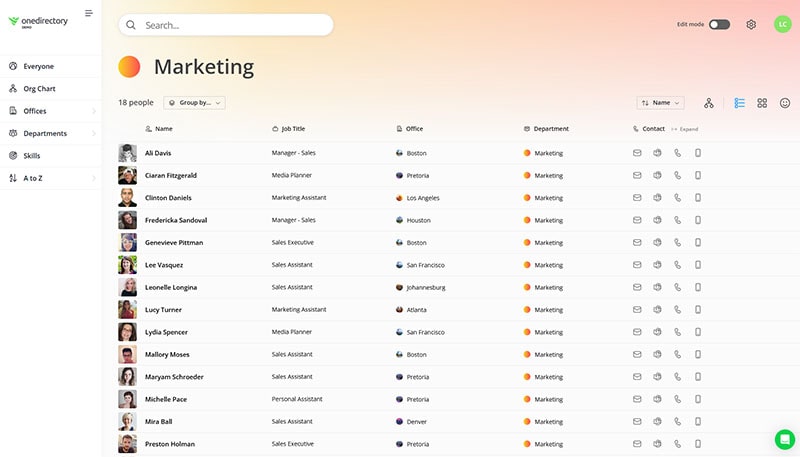
Modern staff directory with powerful search
Find the right person fast with accurate people and org data. Search by name, role, school, campus, department, or expertise, then open a profile to see contact details and reporting context.
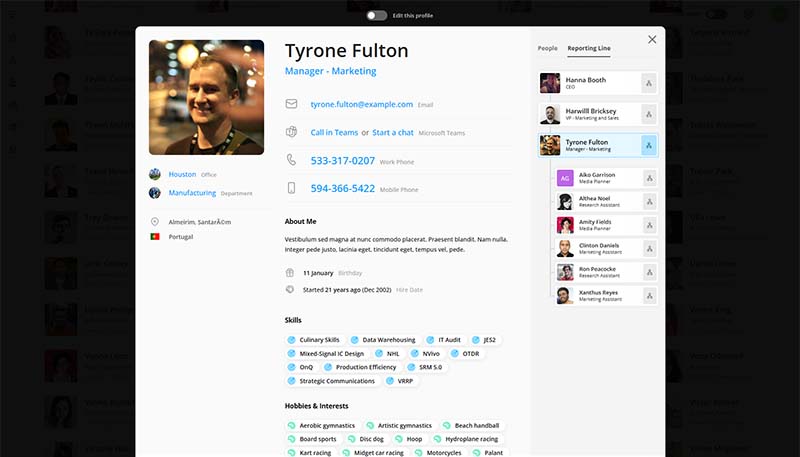
Employee profiles staff can trust
Give staff a reliable source of truth for contact details, roles, departments, locations, and responsibilities. Profiles stay current automatically, so the directory matches reality as people join, move teams, or change roles.
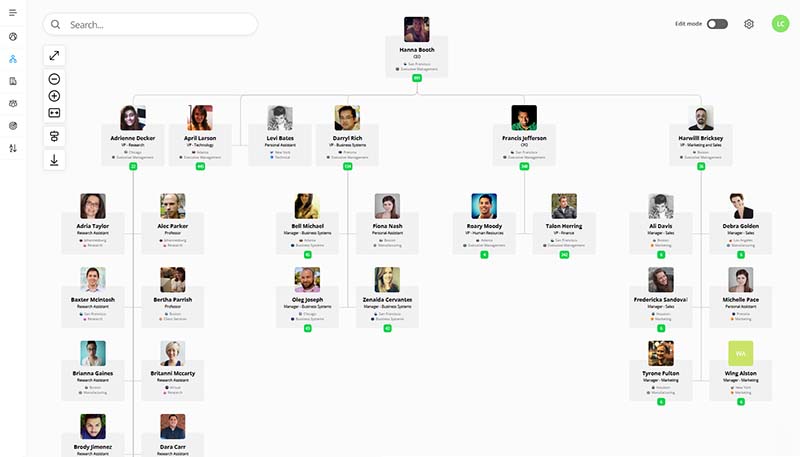
Searchable, fully interactive org chart
Help staff understand how teams fit together with an org chart they can search and navigate. Keep reporting lines accurate as schools, departments, programs, and leadership change.
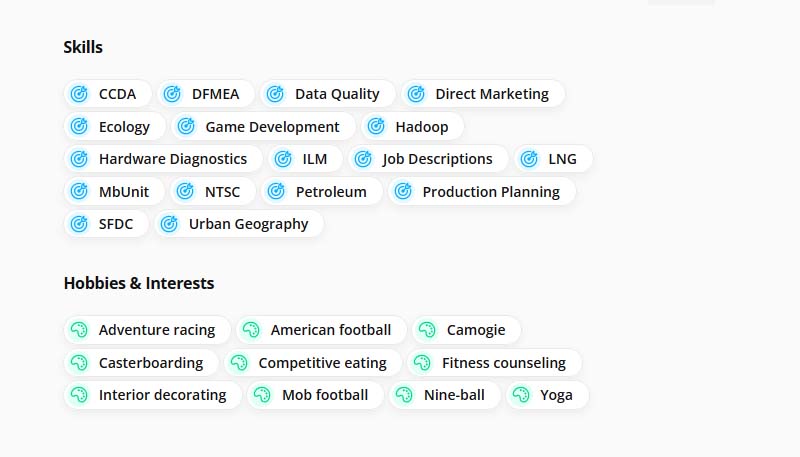
Find expertise across departments and services
Make it easier to identify the right person for a question, program, service, or internal request. Search profiles to find the right specialist, not just a name.
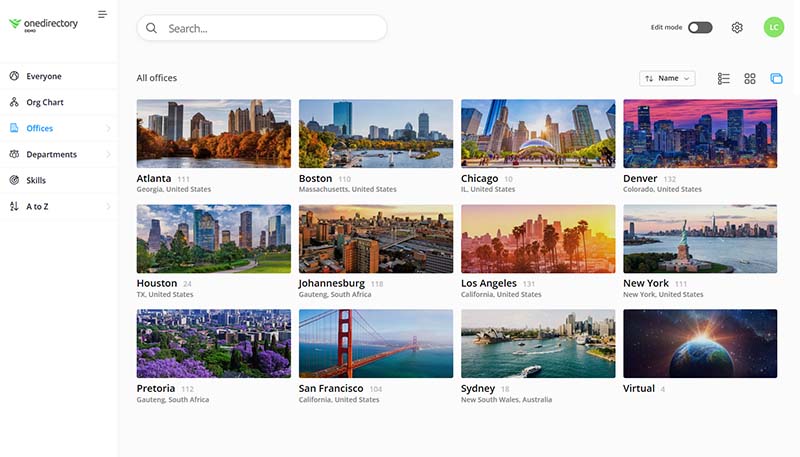
Schools, campuses, and departments
Browse locations, departments, and teams to see who works where and how people are connected. Help staff find the right internal contact without relying on old lists.
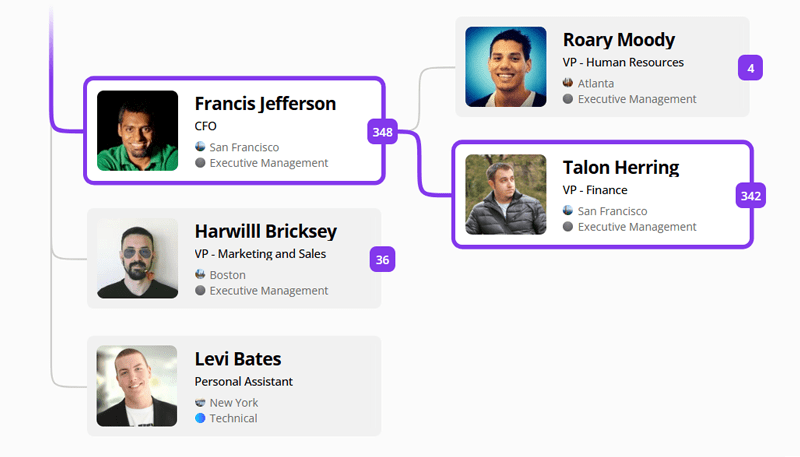
Trace reporting lines and escalation paths
Make internal routing easier by showing the chain of command in one place. Staff can trace managers, teams, departments, and reporting lines to route questions with confidence.
Why OneDirectory for education?
OneDirectory is modern employee directory software for education organizations. It helps schools, districts, colleges, and administrative teams turn employee profile data into a searchable directory, so staff can find the right person, understand reporting lines, and navigate teams, locations, and expertise.
Connect staff across locations and departments
Unify people, schools, campuses, departments, and reporting lines in one searchable place so staff can find the right internal contact faster.
Help staff find expertise faster
Make it easier to find the right person by role, department, location, responsibility, or area of expertise instead of relying on personal networks.
Support onboarding and role changes
Help new staff understand who is who, how teams fit together, and where to go for help across the organization.
Keep structure clear as teams change
Keep your org chart accurate as departments change, programs grow, locations shift, or leadership changes. Staff can rely on a live org chart instead of outdated PDFs.
Clarify ownership across administrative and support teams
Make it easier to see who owns what across academic, administrative, technology, HR, finance, facilities, and support services so internal requests get routed correctly.
Frequently asked questions
Why do education organizations need employee directory software?
Education organizations often need to find the right person quickly across locations, departments, and support services. OneDirectory gives staff one searchable place to find profiles, contact details, expertise, and reporting lines.
Can OneDirectory support multiple schools, campuses, or departments?
Yes. OneDirectory can support education organizations with distributed locations, departments, programs, and support teams. Staff can browse the organization, understand reporting lines, and find the right contact without relying on outdated lists.
Can staff search by school, department, role, location, or expertise?
Yes. OneDirectory makes it easy to search employee profiles using the fields that matter to your organization. Staff can find the right teacher, administrator, manager, or internal specialist faster.
Can OneDirectory help staff find the right internal expert?
Yes. OneDirectory helps education teams make expertise easier to find. Staff can search profiles to identify the right person for a question, service, program, or operational need.
How does OneDirectory help with onboarding?
OneDirectory gives new staff a clear map of the organization. They can explore people, teams, reporting lines, locations, and profiles so they understand who does what and where to go for help.
Can OneDirectory replace outdated staff lists, intranet directories, or static org charts?
Yes. OneDirectory can replace outdated staff lists, static org charts, PDFs, spreadsheets, and hard-to-maintain intranet directories with a searchable staff directory and org chart.
How does OneDirectory keep staff information up to date?
OneDirectory keeps employee profiles and reporting lines aligned with your source of employee data. This helps education organizations reduce manual updates and keep staff information accurate.
Employee directory software for education
Request a demo to see how OneDirectory helps education organizations connect profiles, schools, departments, locations, expertise, and reporting lines in one searchable directory and org chart.
Or contact our sales team