How Employees Actually Find Colleagues
Across 65 organizations and 90 days, employees searched 13 times more often than they opened the org chart, and 82% of searches reached the right profile in a median of four seconds.
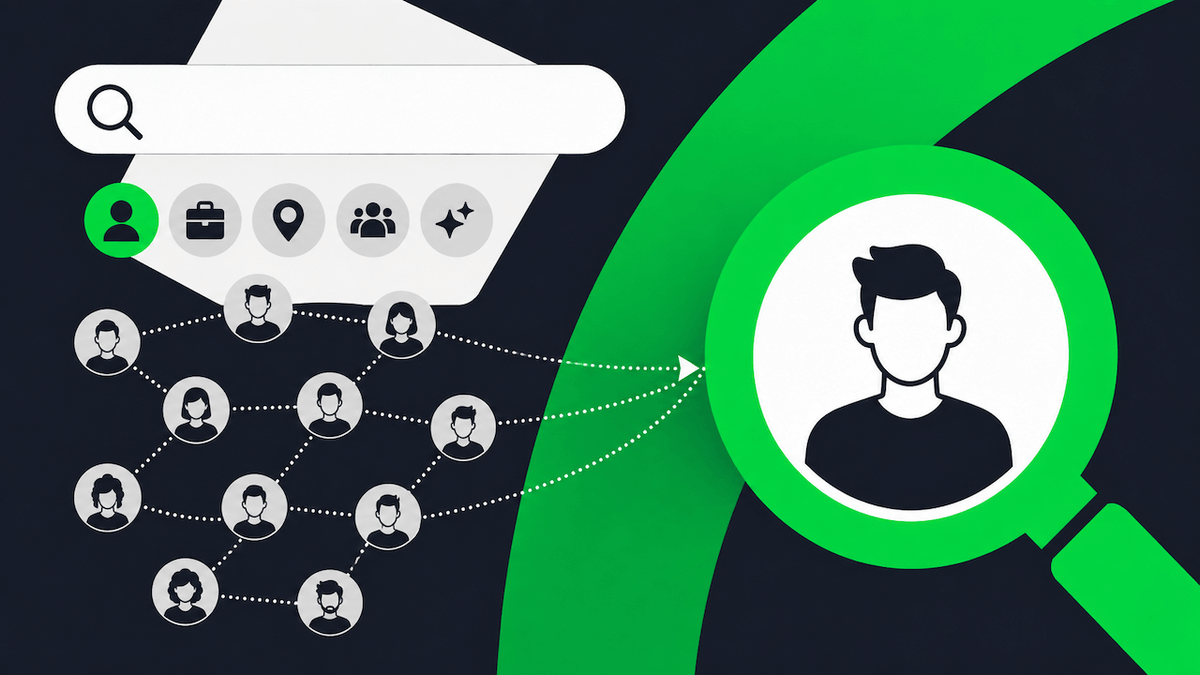
Employees find colleagues by searching. Over 90 days we recorded 514,602 directory searches, and 82% of them ended with the employee opening the right person's profile. The median time from search results to profile was four seconds.
Most software in this category gets marketed on its hierarchy diagram. Your people spend their time in the search box.
How we measured this: 16,267 employees, 65 organizations, 90 days
These findings come from anonymized product analytics covering 16,267 employees across 65 organizations using OneDirectory, over the 90 days ending 14 August 2026. Every figure below comes from recorded behavior rather than a survey. No individual or organization is identifiable. The sample runs from a 122-profile investment firm to a 5,299-profile hospital group, and takes in credit unions, county government, a school district, an engineering practice and a container shipping line across more than 25 countries.
Employees search 13 times more often than they open the org chart
| Behavior | Volume | Share of active employees |
|---|---|---|
| Viewed search results | 514,602 | 59.3% |
| Viewed a profile | 395,450 | 76.9% |
| Viewed the full employee list | 217,911 | n/a |
| Viewed office pages | 136,002 | n/a |
| Viewed department pages | 54,894 | n/a |
| Viewed the org chart | 39,854 | 32.4% |
Search result views outnumbered org chart views by 13 to 1.
The employees who search do it often. Each one ran about 53 searches over the quarter, close to one on each working day.
Search reaches the right profile in a median of four seconds
82.4% of employees who ran a search went on to open a profile. The median gap between seeing results and opening the person was four seconds. The mean came in at 46 seconds, and the harder lookups live in that gap: employees cleared and retried 62,586 searches, 12.2% of the total.
A four-second median means the first result tends to be the right one.
Data quality decides this. People search resolves in four seconds because job titles and reporting lines arrive from the identity system and stay current. Stale fields turn a four-second lookup into a dead end, and your employees go back to asking in a Teams channel.
After search, employees browse the full list rather than the hierarchy
Nobody puts the plain A-to-Z list in a demo. Employees opened it 217,911 times over the quarter, 5.5 times more often than org chart software. Office pages drew 136,002 views and department pages 54,894.
Search handles the named person. The list handles the question of who works in Sacramento, or who sits in Finance.
One in five employees searches by job title instead of by name
Someone needs a controller. Or the person who handles procurement in the Midwest, whose name nobody in the room can remember.
3,365 employees, 20.7% of the active population, browsed the directory by job title and generated 14,338 job title page views. They reorganized results by team 3,462 times and by job title 2,265 times.
Job title serves them because it syncs from the identity system and stays populated. Skills would answer the question better and drew 993 views across the same period. In our tenant data, skills fields sit under 1% complete in 62 of 95 organizations.
Teams chat is the most common next step after finding a colleague
Microsoft Teams chat is the most common next step from a profile, ahead of email. Teams chat and Teams call together made up 56.4% of contact actions taken from employee profiles.
Read that as a comparison between channels rather than a rate. Our instrumentation records clicks on contact links, so it misses the employee who copies an address, and the one who already has the person open in Teams.
One in six employees reaches a profile through a shared link
Someone pastes a profile link into a Teams message, or drops it into a ticket so the next person on the queue knows who to chase.
2,623 employees, 16.1% of the active population, reached a profile through a direct link rather than by navigating to it. That accounted for 11,246 profile loads over 90 days.
A third of employees open org chart software, and they go deep
32.4% of employees opened org chart software during the quarter. A third, against three quarters who opened a profile.
The employees who use it go deep. 39,854 chart views produced 79,096 navigation moves through reporting lines, 38,853 upward and 40,243 downward, about two moves for every chart opened. Employees also expanded a reporting line directly on a profile 7,051 times without opening the full chart.
That share shifts with deployment size. Adoption runs highest in small deployments (48.9%), peaks in engagement mid-band, and settles at 20.4% in deployments above 500 active users, where the chart becomes a monthly reference rather than a daily surface. We covered that pattern in How Org Chart Usage Changes as Organizations Grow.
Search finds the person. The chart answers a different question, which is how the place fits together, and a third of your employees want it answered.
Four renders of 39,854 timed out. A rate of 0.01%.
Four things to test before you choose directory software
Weight search first. It carries 13 times the volume of the hierarchy view, and a poor search experience costs you adoption faster than any missing feature.
During a trial, pick ten colleagues at random and time each lookup. That measurement predicts adoption better than a feature comparison, and you can run it in an afternoon.
Then try it with no name to work from. One in five of your employees will arrive looking for a role, and thin job title data sends that group away with nothing.
The hierarchy view earns its place at a third of your people, and the ones who open it work it, about two navigation moves per view. Weight it accordingly, and no higher.
Frequently asked questions
How do employees find colleagues at work?
By searching. Across 16,267 employees in 65 organizations over 90 days, directory search result views (514,602) outnumbered org chart views (39,854) by 13 to 1, and 59.3% of active employees used search during the period.
How long does it take to find someone in an employee directory?
The median time from running a search to opening the right person's profile is four seconds, with 82.4% of searches resolving to a profile. The mean sits at 46 seconds, reflecting a minority of harder lookups.
How often do employees use a company directory?
Employees open the directory an average of 9.7 times per month. Weekday activity runs 11 to 12 times higher than weekend activity, which places directory use inside the working day rather than around it.
Do employees use the org chart or search to find people?
Search, by a wide margin. About a third of employees (32.4%) open org chart software during a quarter, against three quarters who open a profile. Chart users go deep once there: 39,854 views produced 79,096 navigation moves through reporting lines, about two per chart opened.
What do employees do after they find a colleague?
Microsoft Teams chat is the most common next step, ahead of email. Teams chat and Teams call together account for 56.4% of contact actions taken from employee profiles.
OneDirectory's original research is published under CC BY 4.0 and may be quoted freely with attribution to the OneDirectory Workplace Directory Usage Report, August 2026, based on anonymized product analytics from 16,267 employees across 65 organizations.
For the data quality picture behind these numbers, see The State of Employee Directories in 2026. For the full benchmark figures, see Employee Directory and Org Chart Statistics 2026.