Staff Lists: How to Build a Useful Employee List People Actually Trust
Learn how to build a staff list that helps people find colleagues, understand roles, and work faster without creating messy, outdated employee data.
A staff list should make work easier.
That sounds obvious, but many staff lists do the opposite.
They show old job titles. They include people who have left. They miss managers, locations, or departments. They help you find a name, but not the right person.
And that is where the problem starts.
Because when someone needs help, they are rarely asking, “Can I see a list of employees?”
They are asking:
- Who owns this?
- Who reports to whom?
- Who works in this location?
- Who should I contact?
- Is this person still in the company?
A useful staff list answers those questions quickly.
What is a staff list?
A staff list is a structured list of people who work in your organization. It usually includes basic employee details such as name, job title, department, manager, location, and work contact information.
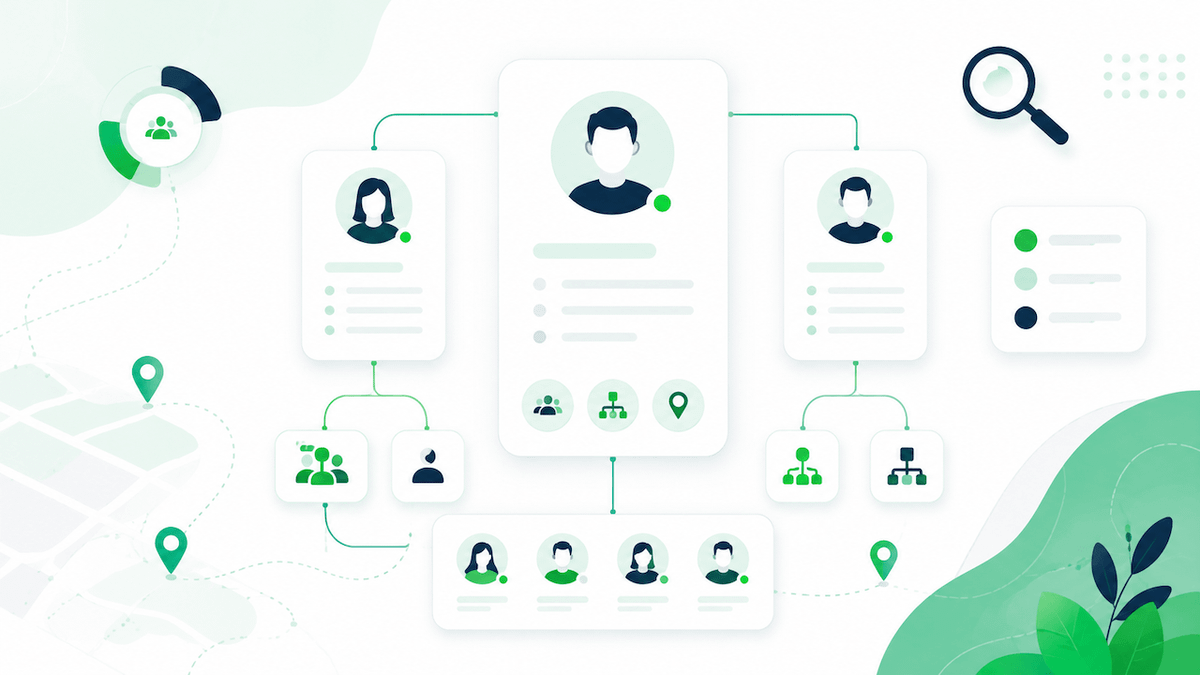
At its best, a staff list is more than a spreadsheet of names. It is a practical reference point employees can use to find colleagues, understand teams, and work out who does what.
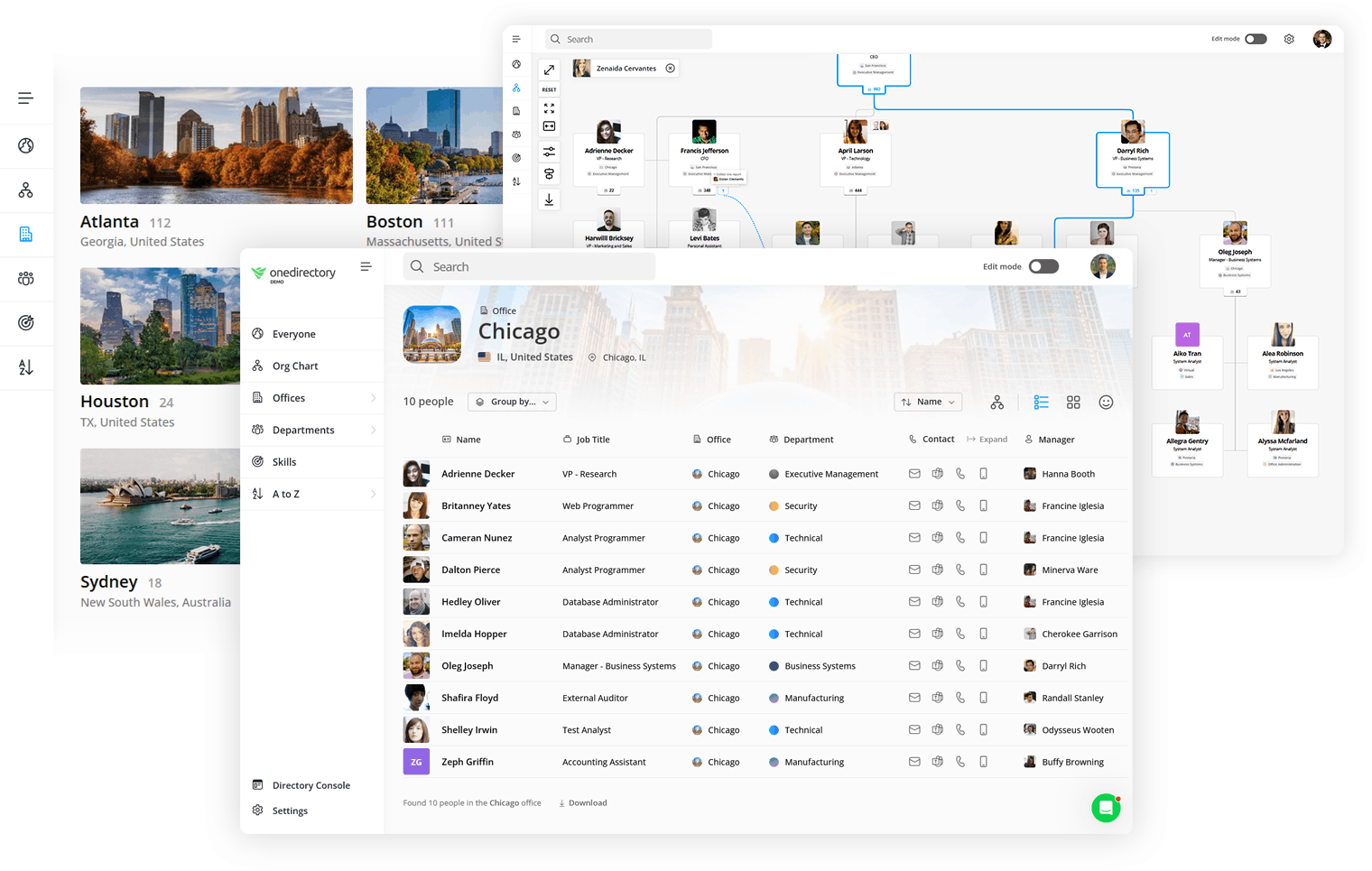
For smaller companies, a simple list may be enough. For growing or distributed teams, a staff list usually works better as part of a searchable employee directory, connected to employee profiles and reporting lines.
A month lost to one missing name
A real example from our own support inbox, anonymized.
A systems administrator at a US electrical distributor wrote to us about a single employee missing from the staff list. His team had already spent a month on it. The cause was nothing anyone could guess from the interface: the person had two accounts, a normal user account and a privileged admin account, and both carried the same email address. The sync could not tell which one was the real person, so it showed neither.
The first fix held until the admin account had to be re-enabled for an unrelated reason. The person vanished from the list again.
Nobody failed dramatically. But one missing name cost a skilled administrator a month of intermittent debugging, and every employee who searched for that person in the meantime concluded the list could not be trusted. Staff lists break at the data layer, not at the interface layer, and the data layer is where they have to be maintained.
What should a staff list include?
Keep your staff list focused. You want enough detail to help people find and understand colleagues, without turning it into an exposed HR database.
Here are the fields worth including.
| Field | Why it matters |
|---|---|
| Full name | Helps employees identify the right person. Use a consistent display name. |
| Job title | Gives quick context about someone’s role. Keep titles current. |
| Department or team | Helps people filter, browse, and understand where someone fits. |
| Manager | Shows reporting lines and makes approval paths clearer. |
| Work email | Gives people a reliable contact method. |
| Location | Useful for offices, regions, time zones, and hybrid teams. |
| Profile photo | Helps people recognize colleagues, especially before calls or meetings. |
| Responsibilities or expertise | Turns a basic list into something genuinely useful. |
The last field is often the difference between a staff list people tolerate and one they actually use.
A title might say “Operations Manager.” A responsibility note might say “Handles supplier onboarding and office vendor contracts.” That is far more helpful when you are trying to find the right person fast.
If you want richer profiles with skills, photos, bios, and organizational context, it may make sense to move from a flat staff list to employee profiles inside a proper directory.
What should you leave out of employee lists
A staff list should not include every piece of employee information your company holds.
In most cases, leave out:
- Home addresses
- Personal phone numbers
- Salary details
- Performance notes
- Medical information
- National identity numbers
- Emergency contacts
- Disciplinary records
- Any sensitive information employees do not need for day-to-day work
A good test is simple: does this field help employees work with this person?
If not, it probably does not belong in a general staff list.
For data protection, this also supports the principle of data minimization: only collect and share personal information that is necessary for a clear purpose. The UK Information Commissioner’s Office gives detailed guidance on handling employment records and worker data responsibly in its employment practices guidance.
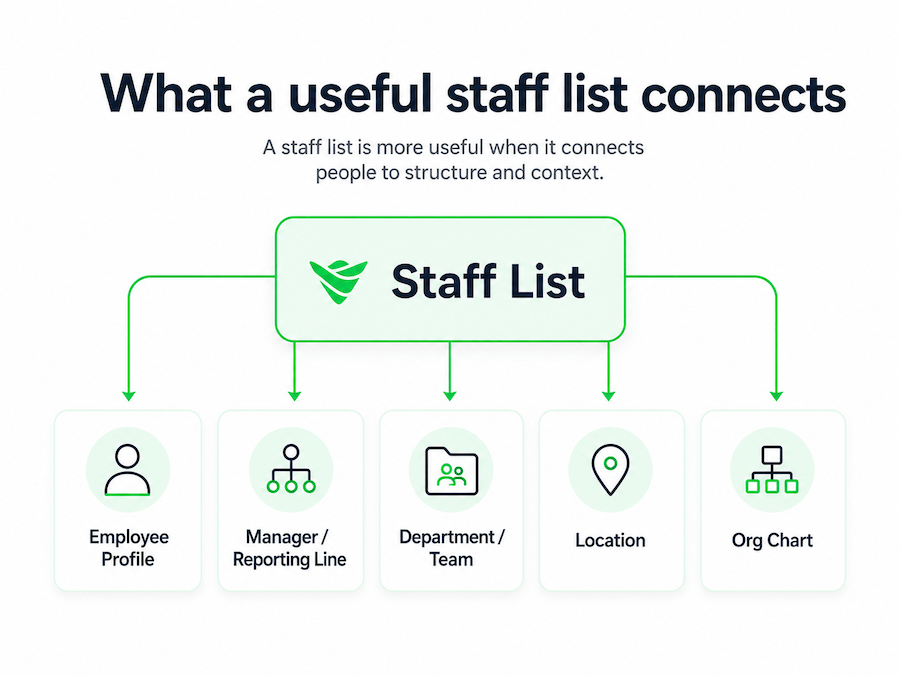
Staff list vs employee directory vs org chart
These terms overlap, but they are not identical.
A staff list is usually a simple list of employees and core details.
An employee directory is a richer, searchable version with profiles, photos, skills, locations, and contact details.
An org chart shows structure: who reports to whom, how teams connect, and where people sit in the company.
In practice, the best employee experience usually combines all three. People can search for a colleague, open their profile, and see where they sit in the org chart.
How to create a staff list people trust
You do not need a complicated process. You need a reliable one.
1. Start with the questions people need answered
Do not begin by adding every field you can think of.
Start with real workplace questions:
- Who is this person?
- What do they do?
- Which team are they in?
- Who manages them?
- Where are they based?
- How do I contact them?
If your staff list answers those questions, it is already useful.
2. Use one source of truth
Most staff lists fail because nobody knows which version is correct.
One list lives in a spreadsheet. Another lives in HR. Another sits in Microsoft 365. Someone exported a copy last month and now that version is being passed around.
Avoid that.
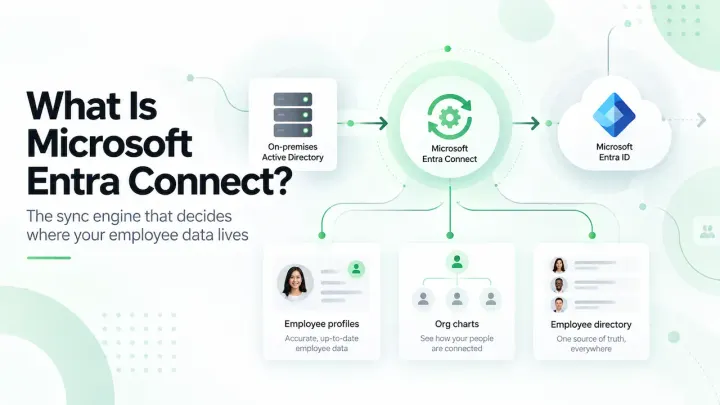
Your staff list should pull from a trusted system such as your HR platform, Microsoft Entra ID, Microsoft 365, or an employee directory tool. OneDirectory, for example, uses Microsoft 365 directory data to power searchable staff information, profiles, and org charts from one place. You can see how that works on the OneDirectory platform.
3. Keep the structure consistent
Consistency makes the list searchable.
Use standard naming for departments, locations, and job titles. Do not let one person write “HR,” another write “People,” and another write “Human Resources” unless those are genuinely different teams.
Small inconsistencies become big problems when employees start filtering or searching.
4. Add ownership
Someone must own staff list accuracy.
That does not mean one person updates everything manually. It means someone owns the process.
Usually, that sits with HR, People Ops, IT, or Operations. A practical split looks like this:
- HR owns employee record accuracy
- IT owns system access and directory sync
- Managers confirm team and reporting changes
- Employees update selected profile details, such as photos or skills
Without ownership, your staff list slowly turns into old data with a search bar.
5. Review it regularly
Even automated staff lists need quality checks.
Look for missing managers, blank departments, duplicate employees, outdated titles, inconsistent locations, and leavers who still appear as active.
A quarterly review is enough for many companies. Fast-growing teams may need a monthly check.
Common staff list mistakes
The most common mistakes are easy to avoid.
Adding too much information
More data does not make the list more useful. It often makes it harder to scan and harder to govern.
Not showing reporting lines
A flat list helps you find a person. A list connected to reporting lines helps you understand the company.
Letting leavers stay visible
Nothing damages trust faster than finding people who no longer work there.
Designing only for people who already know the company
Your staff list should work for new starters, remote employees, and people outside the immediate team. Long-serving employees can rely on memory. New people cannot.
Staff list checklist
Before you publish or improve your staff list, check this:
- Can employees search by name, title, department, and location?
- Are managers and reporting lines included?
- Are job titles and departments current?
- Are leavers removed or marked inactive quickly?
- Are sensitive HR fields excluded?
- Is there one trusted source of data?
- Does someone own accuracy?
- Is the list reviewed regularly?
- Does it connect to employee profiles or an org chart where useful?
If you can answer yes to most of these, your staff list is probably doing its job.
Final thought
A staff list is not valuable because it exists.
It is valuable because people can trust it when they need to find someone, understand a team, or get work done without asking around.
So keep it simple. Keep it accurate. Keep private information out of it. And make sure it answers the questions employees actually have.
That is what turns a staff list from a static record into a useful part of how your company works.
FAQs about staff lists
What is a staff list?
A staff list is a structured list of employees in an organization. It usually includes names, job titles, departments, managers, locations, and work contact details.
What should a staff list include?
A useful staff list should include name, job title, department, manager, work email, location, and responsibility or expertise details where helpful. Responsibilities are the highest-value optional field: “handles supplier onboarding” finds the right person faster than a job title alone.
What should not be included in a staff list?
A general staff list should avoid sensitive or unnecessary information such as salary, home address, personal phone number, medical details, performance notes, disciplinary records, and emergency contacts.
Is a staff list the same as an employee directory?
Not exactly. A staff list is usually simpler. An employee directory is a richer, searchable tool with employee profiles, skills, photos, contact details, and sometimes org chart connections.
How do you keep a staff list up to date?
You keep a staff list up to date by using one trusted source of employee data, connecting it to your HR or directory systems, assigning ownership, including updates in HR processes, and reviewing the data regularly. A quarterly review works for most companies; fast-growing teams should check monthly for missing managers, duplicate entries, and leavers still showing as active.